 Login
Login
 MSTA Regions
 Search
 Contact Us
.png) 800-392-0532
800-392-0532




Tillie
AI Powers Tillie and uses MSTA's content and information to answer the questions most important to you.
Help with Tillie
Welcome to Tillie! 👋
Let's get you started with a quick tour
What is Tillie?
Tillie is your AI-powered assistant designed specifically for MSTA members. She can help you find information, answer questions, and guide you through resources.
Think of Tillie as your personal MSTA expert, available 24/7 to help you succeed.
How to Ask Questions
Getting started with Tillie is easy! Just type your request in natural language. Here are some examples:
- "What professional development opportunities are available?"
- "Help me generate a sub plan."
- "Give me some classroom management strategies."
Tillie understands context and can have conversations, so feel free to ask follow-up questions!
Understanding Responses
Tillie provides detailed, accurate answers based on MSTA's content and resources. You'll receive:
- Direct answers to your questions
- Links to relevant resources and pages
- Suggestions for related information
Tips for Best Results
To get the most out of Tillie, try these strategies:
- Be specific: Include relevant details in your questions
- Ask follow-ups: Tillie remembers your conversation context
- Verify information: Tillie will provide sources when possible
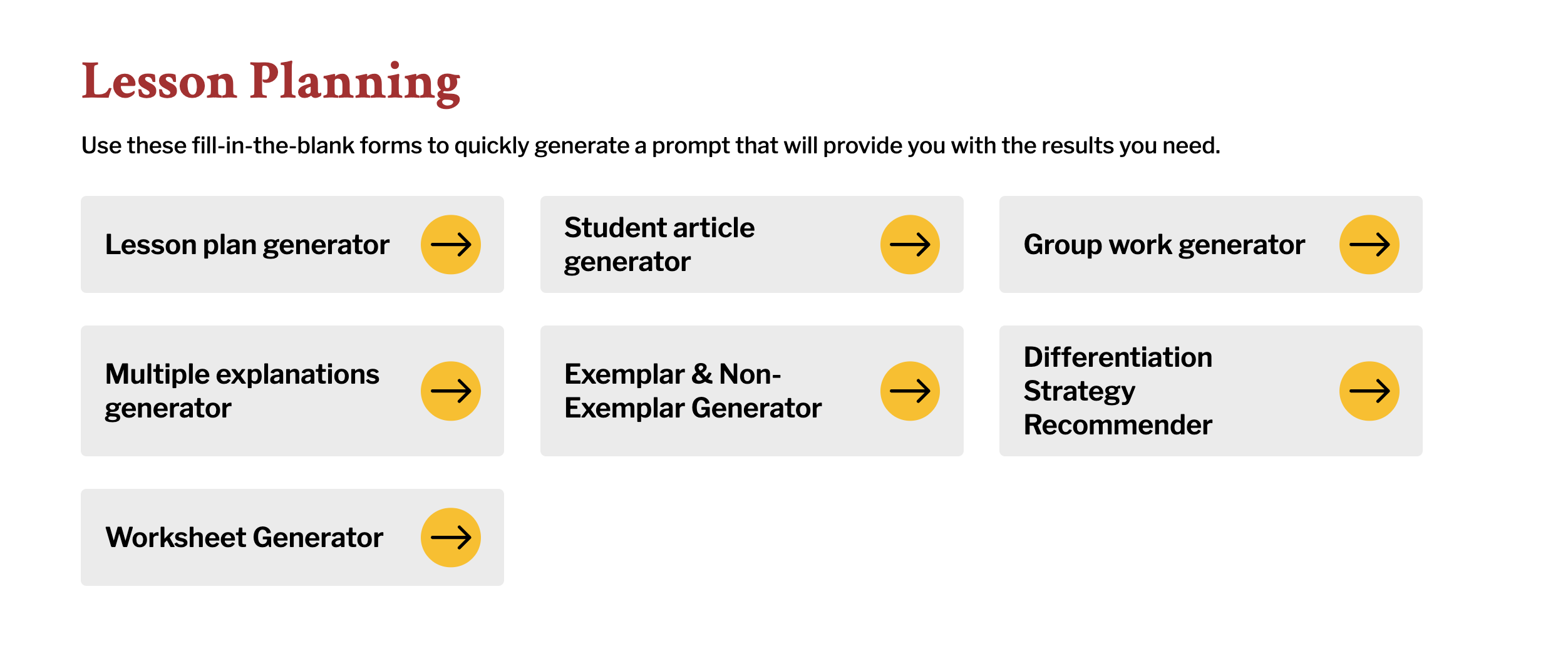
- Explore prompts: Check out our Prompt Library for easy forms that allow you to quickly generate lesson plans, worksheets, parent communication, and more.
Conversation History
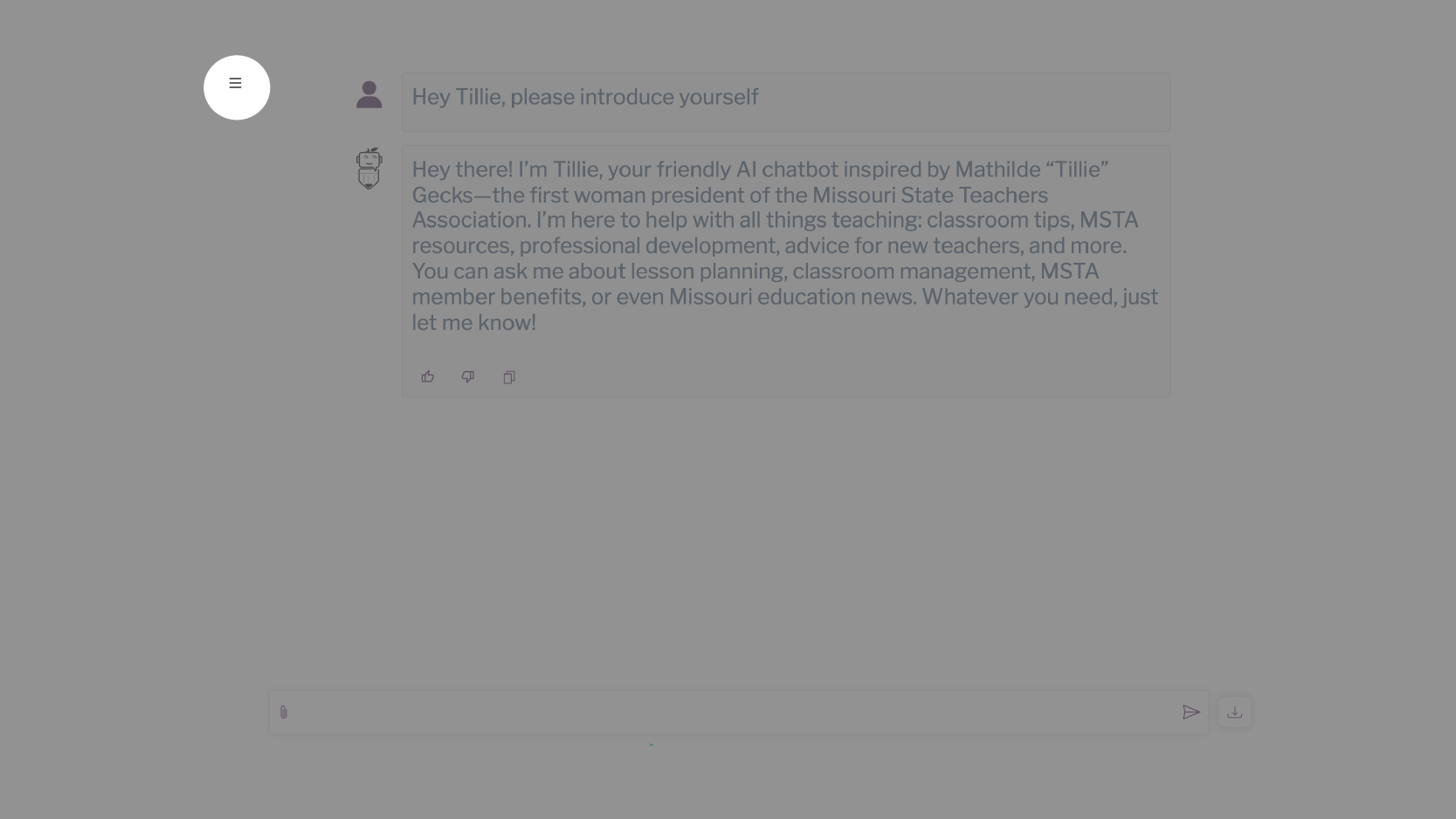
If you're logged in and a member, you'll be able to access your conversation history. Click on the three lines to expand or collapse.
Feedback
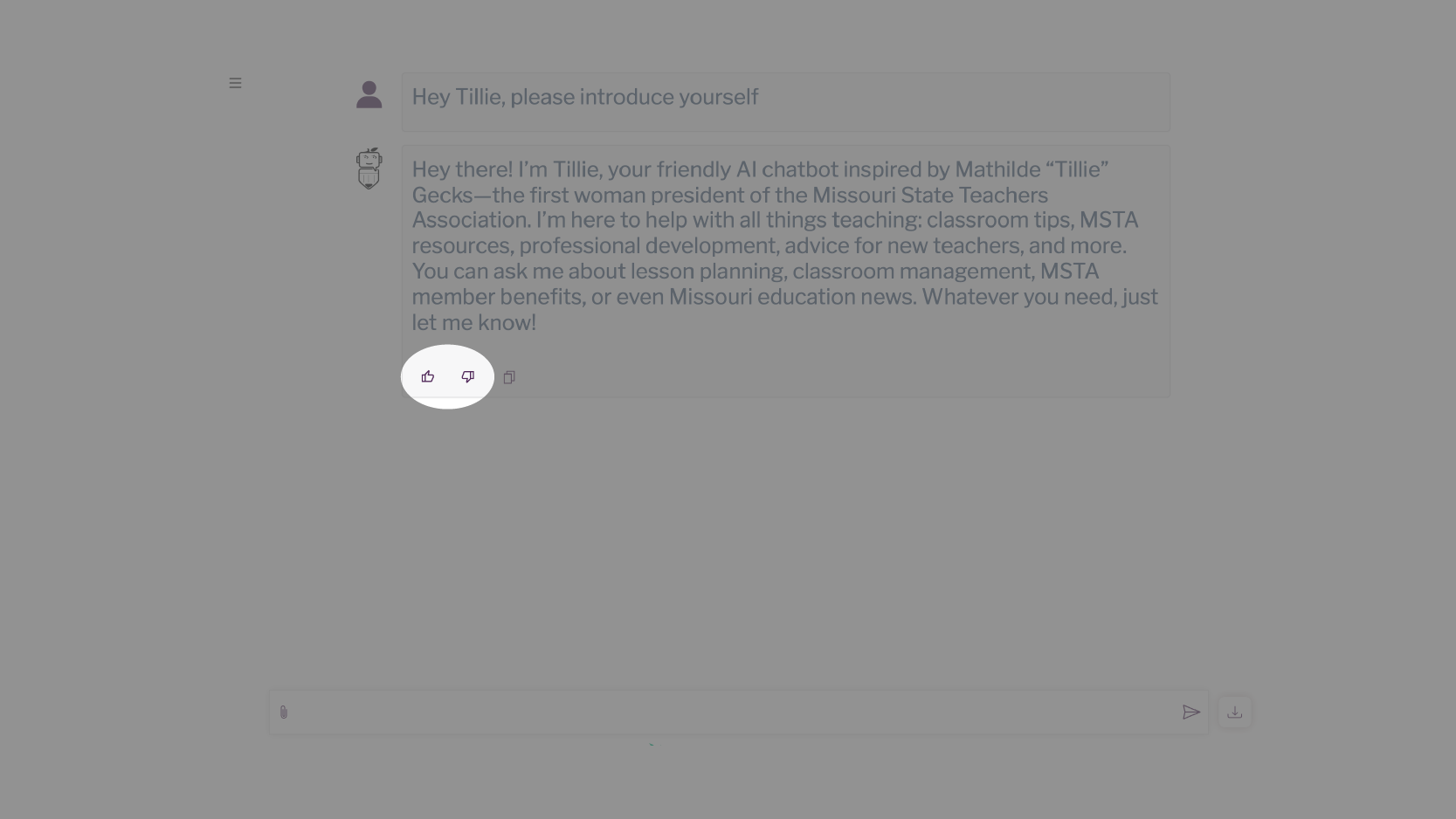
Help Tillie improve by providing feedback. Click thumbs up for helpful answers. When you click thumbs down, you'll be able to elaborate in a text box to let us know what didn't work for you.
File Upload
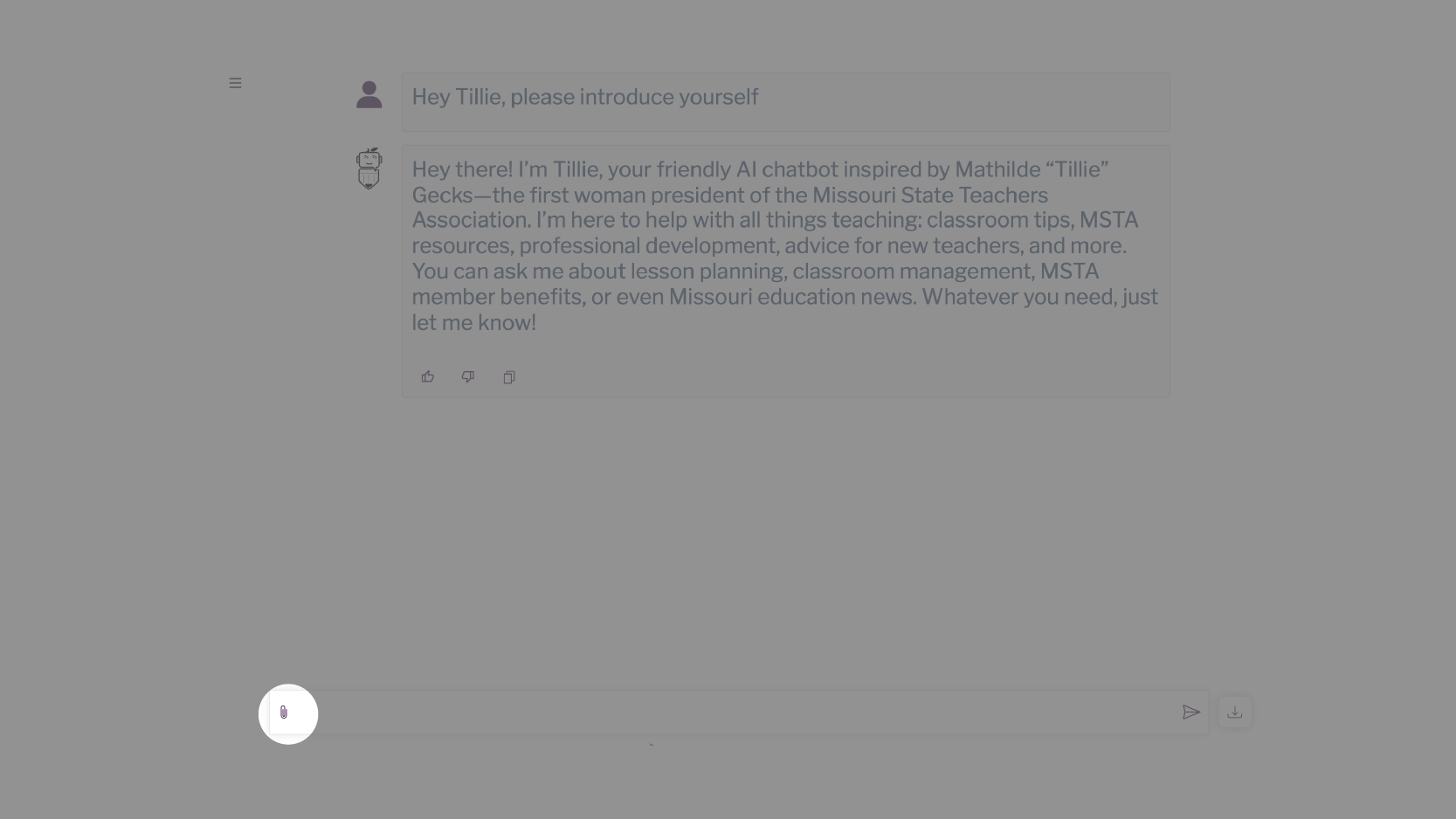
Members have access to Tillie's upload feature, which allows you to provide a .pdf, .doc, or .txt file as a reference point. Tillie is not trained on the content you upload.
Copying Content
This button allows you to easily copy the content Tillie provides in order to paste it somewhere else.

Download
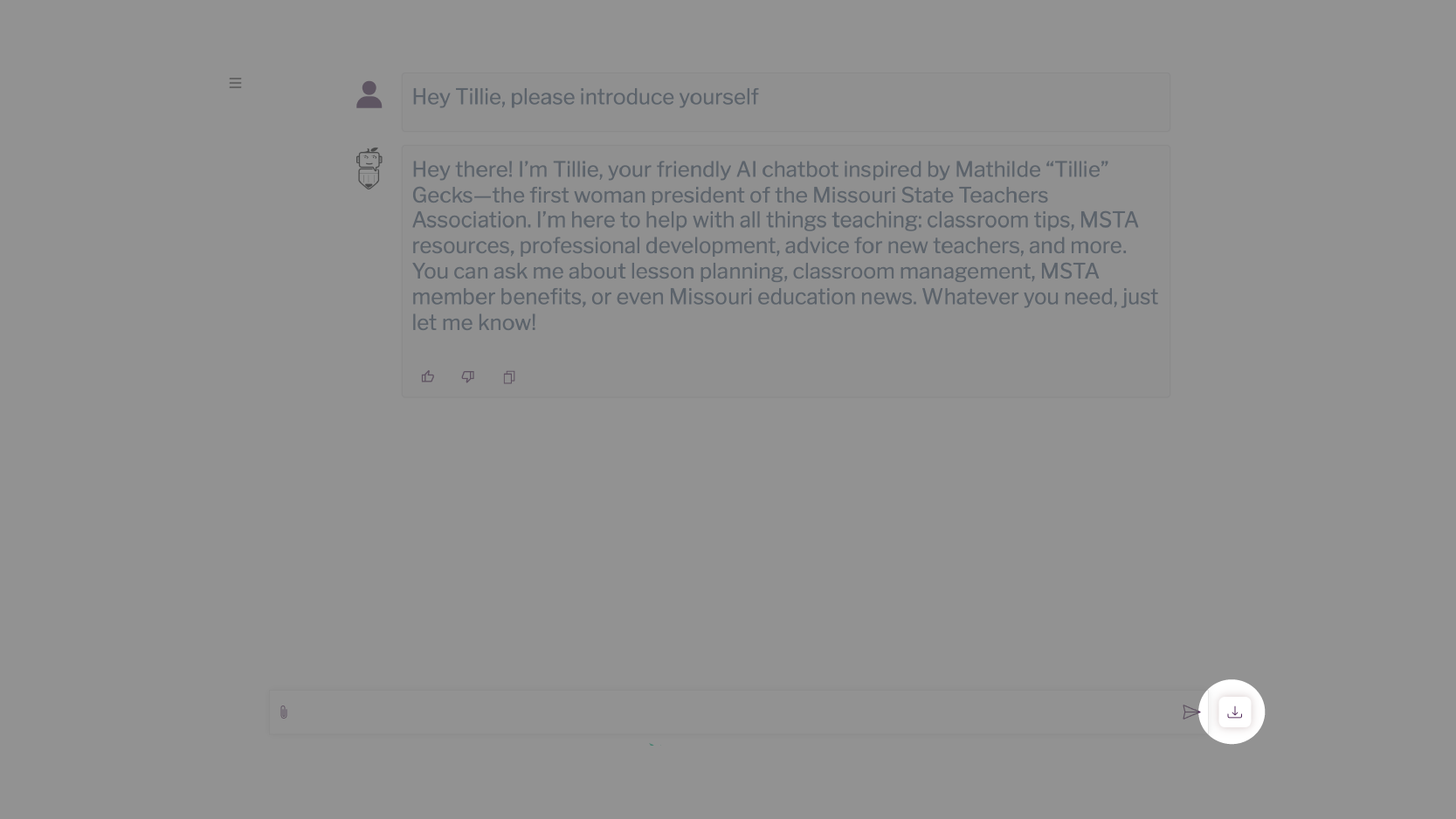
Save your complete conversation to share with others or keep as a reference by downloading it as a pdf.
You're All Set! 🎉
You now know the basics of working with Tillie. Remember:
- Ask questions in natural language
- Be specific for better results
- Explore the Prompt Library for inspiration
- Click the help button anytime to see this tutorial again
Need more help? Visit our Tillie Tips page or contact us at membercare@msta.org